> ## Documentation Index
> Fetch the complete documentation index at: https://dev.writer.com/llms.txt
> Use this file to discover all available pages before exploring further.
# Research
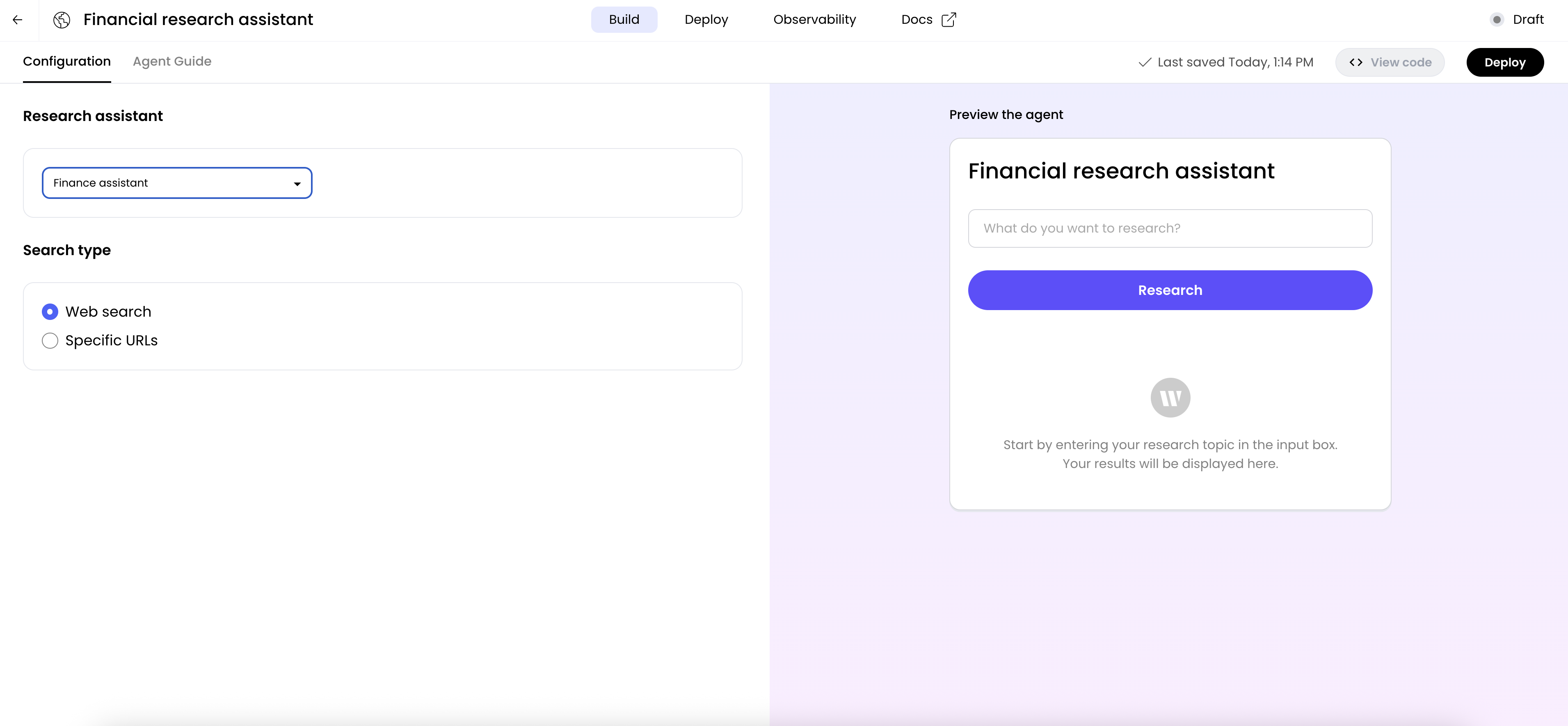
A no-code agent with the research capability can perform web research on a specific topic. You can use the pre-built research type or create a custom one that can be tailored to a specific topic and writing style.
 ## Building an agent with research capabilities
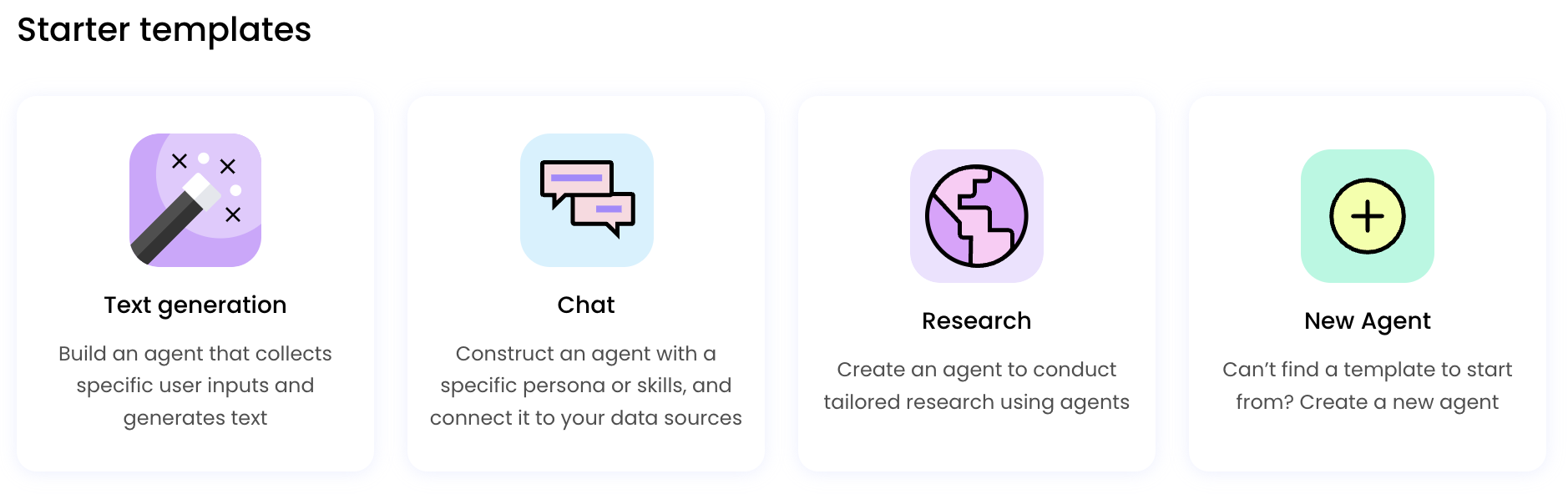
To build an agent with research capabilities, first choose the **Research assistant** option after clicking **Build an agent** in AI Studio.
## Building an agent with research capabilities
To build an agent with research capabilities, first choose the **Research assistant** option after clicking **Build an agent** in AI Studio.
 ## Selecting the type of research
The first step is to select the type of research from the **Research** menu to incorporate into your agent. You have the option of choosing from a selection of pre-built research that specialize in popular topics, or creating a custom one that can be tailored to a specific topic and writing style.
## Selecting the type of research
The first step is to select the type of research from the **Research** menu to incorporate into your agent. You have the option of choosing from a selection of pre-built research that specialize in popular topics, or creating a custom one that can be tailored to a specific topic and writing style.
 ### Pre-built research
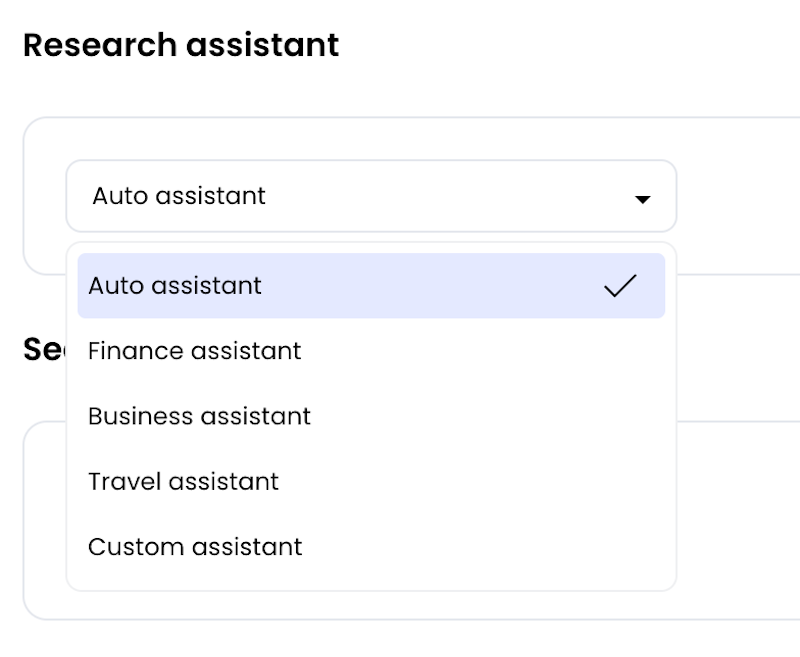
The **Research** menu starts with this selection of pre-built research:
* **Auto research**: automatically selects the most appropriate research type based on the topic
* **Finance research**: use this research for topics related to finance and investing
* **Business research**: helps with business-related topics
* **Travel research**: for topics about travel and tourism, use this research
### Custom research
**Custom research**, the final option in the **Research** menu, allows you to create research tailored to your specific needs. When you select this option, the **Edit instructions** link will appear.
### Pre-built research
The **Research** menu starts with this selection of pre-built research:
* **Auto research**: automatically selects the most appropriate research type based on the topic
* **Finance research**: use this research for topics related to finance and investing
* **Business research**: helps with business-related topics
* **Travel research**: for topics about travel and tourism, use this research
### Custom research
**Custom research**, the final option in the **Research** menu, allows you to create research tailored to your specific needs. When you select this option, the **Edit instructions** link will appear.
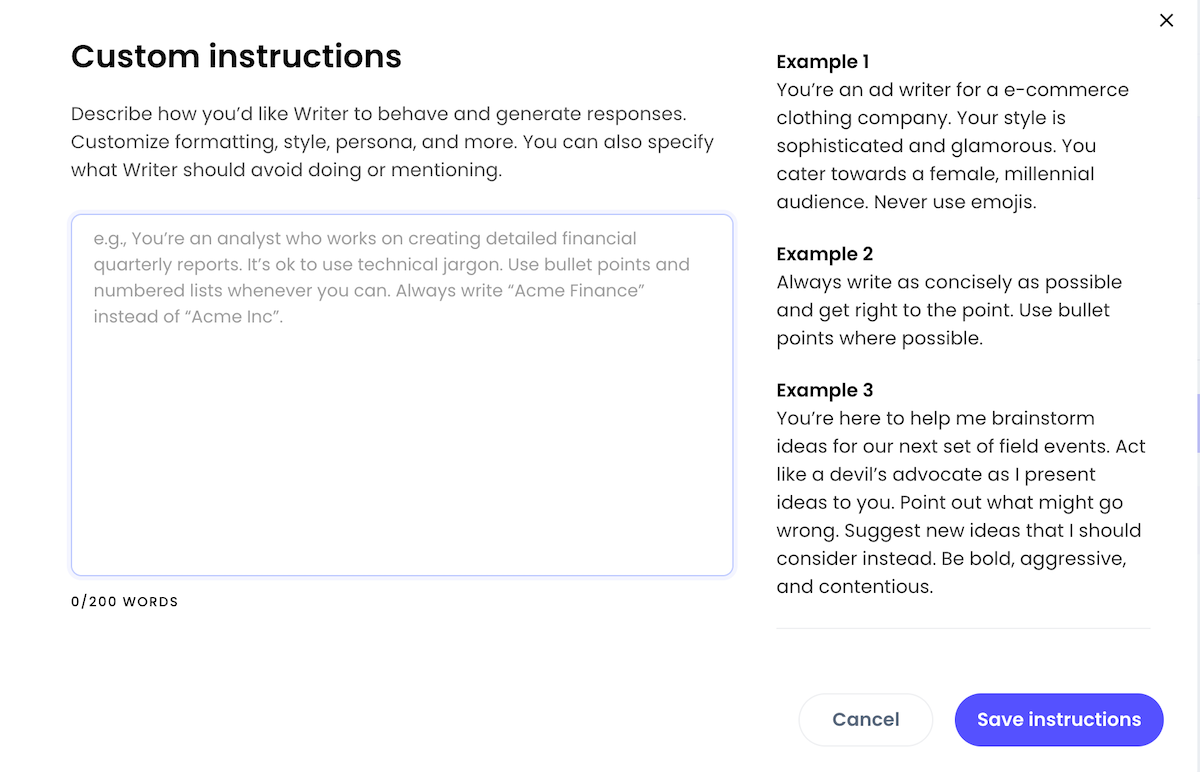
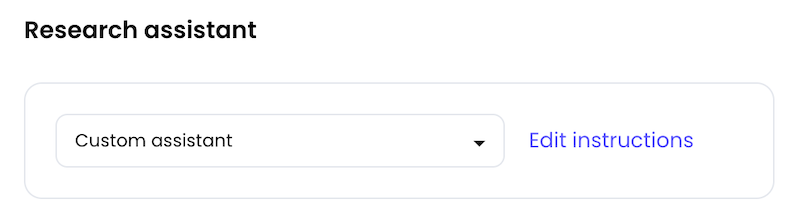 Click this link to open the **Custom instructions** window, where you can specify how the research should behave, what topics it should cover, and how it should respond to user queries.
 ## Giving the research search parameters
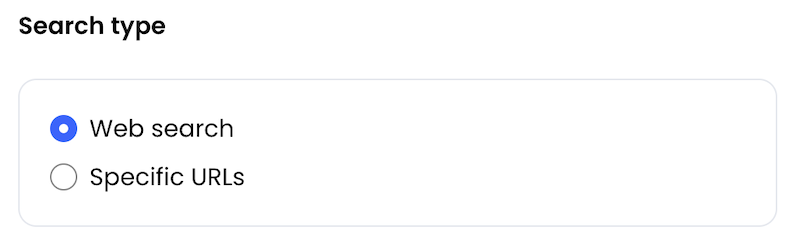
The **Search type** options allow you to specify how the research should search for information.
## Giving the research search parameters
The **Search type** options allow you to specify how the research should search for information.
 You can choose from the following:
* **Web search**: The research will search the web for information.
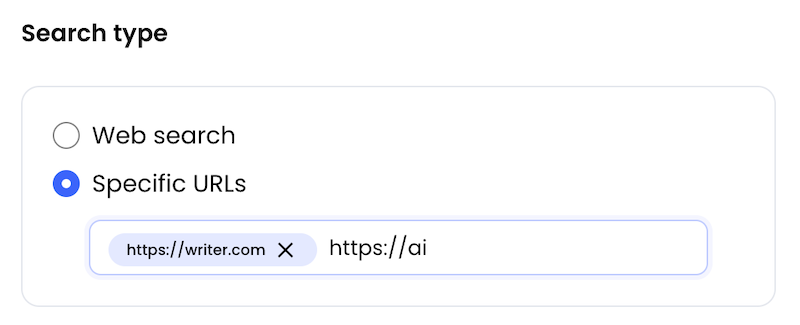
* **Specific URLs**: The research will limit its search to the web sites or pages you specify. When you select this option, a text field will appear where you can enter one or more URLs of the sources you want the research to search. Note that the URLs you provide must start with `http://` or `https://`.
You can choose from the following:
* **Web search**: The research will search the web for information.
* **Specific URLs**: The research will limit its search to the web sites or pages you specify. When you select this option, a text field will appear where you can enter one or more URLs of the sources you want the research to search. Note that the URLs you provide must start with `http://` or `https://`.