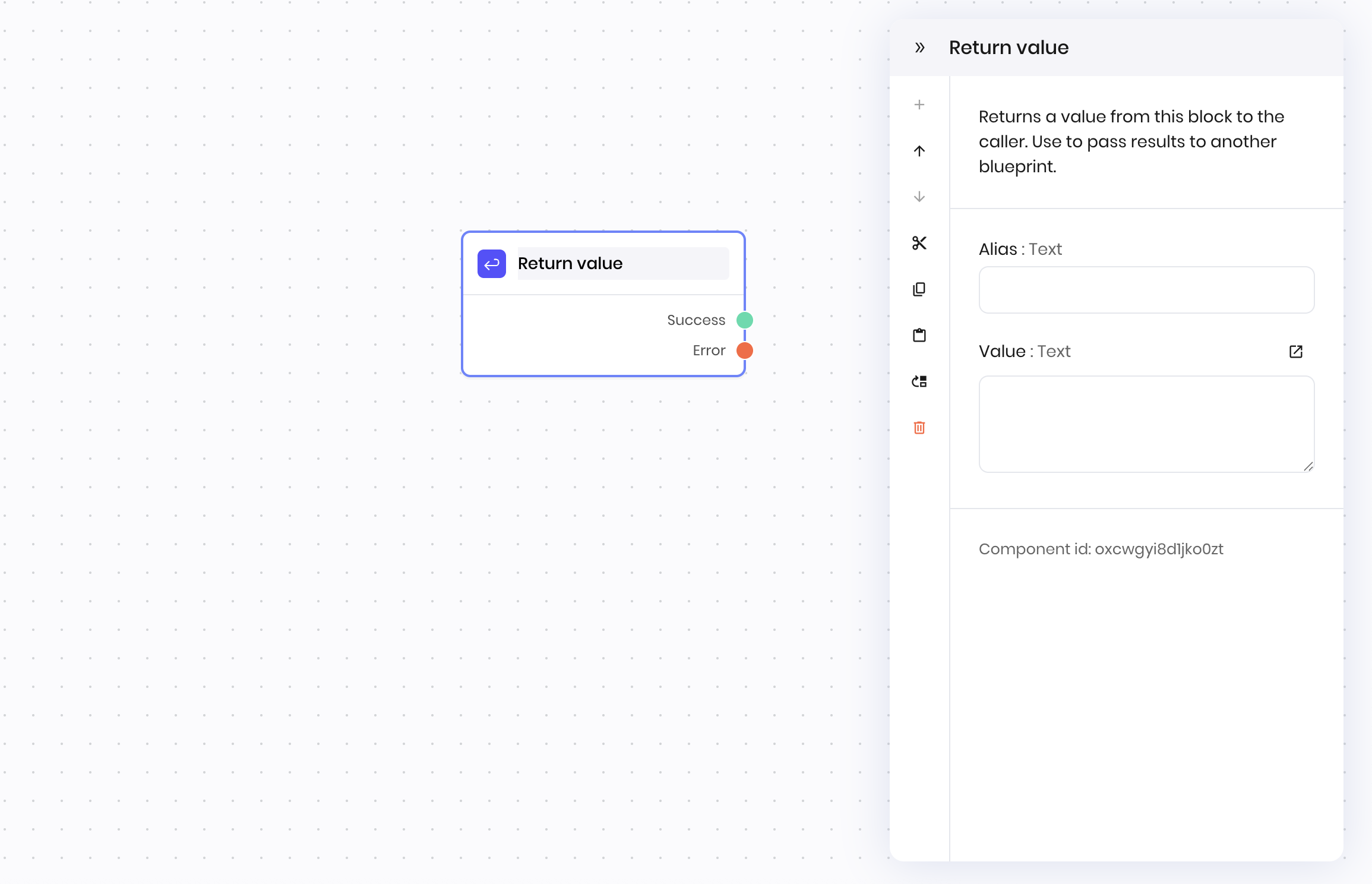
 ## Overview
The **Return value** block allows you to chain multiple steps together to perform certain actions, and return a single value at the end of the chain. You can use it in the following scenarios:
* To return a value in [tool calling](/agent-builder/tool-calling)
* To return a value when a blueprint is invoked with the [**Run blueprint** block](/blueprints/runblueprint)
It passes the value specified in the **Value** field at the end of a chain of blocks.
### Return a value in tool calling
When an **Tool calling** block decides to run a tool, the tool can include any number of blocks and return a final value to the **Tool calling** block. Use the **Return value** block to define what the final return value is.
If you do not use the **Return value** block, the tool call executes the blocks that follow it but doesn't return a value to the **Tool calling** block.
## Overview
The **Return value** block allows you to chain multiple steps together to perform certain actions, and return a single value at the end of the chain. You can use it in the following scenarios:
* To return a value in [tool calling](/agent-builder/tool-calling)
* To return a value when a blueprint is invoked with the [**Run blueprint** block](/blueprints/runblueprint)
It passes the value specified in the **Value** field at the end of a chain of blocks.
### Return a value in tool calling
When an **Tool calling** block decides to run a tool, the tool can include any number of blocks and return a final value to the **Tool calling** block. Use the **Return value** block to define what the final return value is.
If you do not use the **Return value** block, the tool call executes the blocks that follow it but doesn't return a value to the **Tool calling** block.
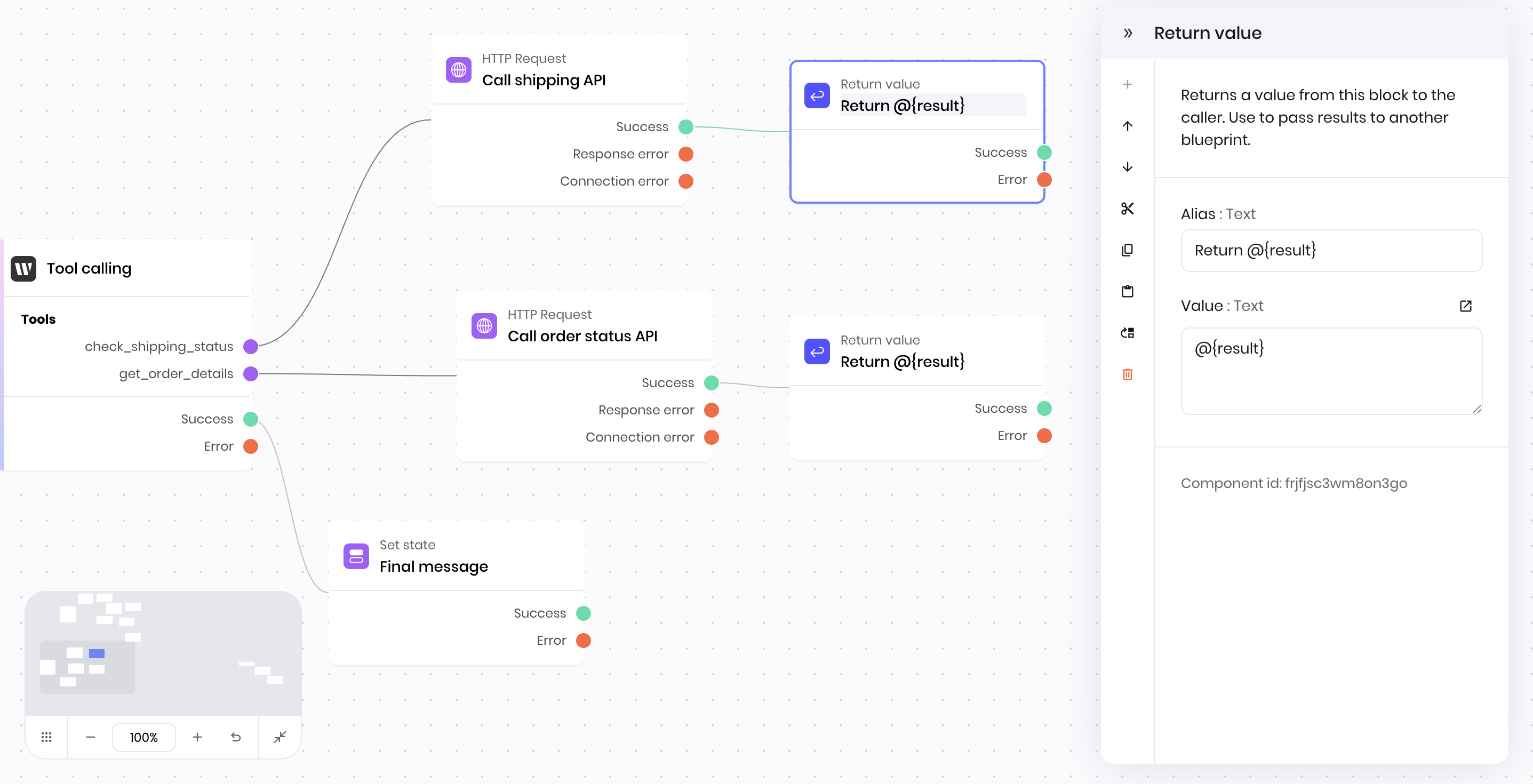 In the example above, the two **Return value** blocks provide the values of the "Call shipping API" block and the "Call order status API" HTTP Request blocks to the **Tool calling** block.
Without the **Return value** blocks, the "Call shipping API" and "Call order status API" blocks would execute, but their results would not be returned to the **Tool calling** block.
### Return a value from a blueprint
Use the **Return value** block to pass results to another blueprint.
In the example above, the two **Return value** blocks provide the values of the "Call shipping API" block and the "Call order status API" HTTP Request blocks to the **Tool calling** block.
Without the **Return value** blocks, the "Call shipping API" and "Call order status API" blocks would execute, but their results would not be returned to the **Tool calling** block.
### Return a value from a blueprint
Use the **Return value** block to pass results to another blueprint.
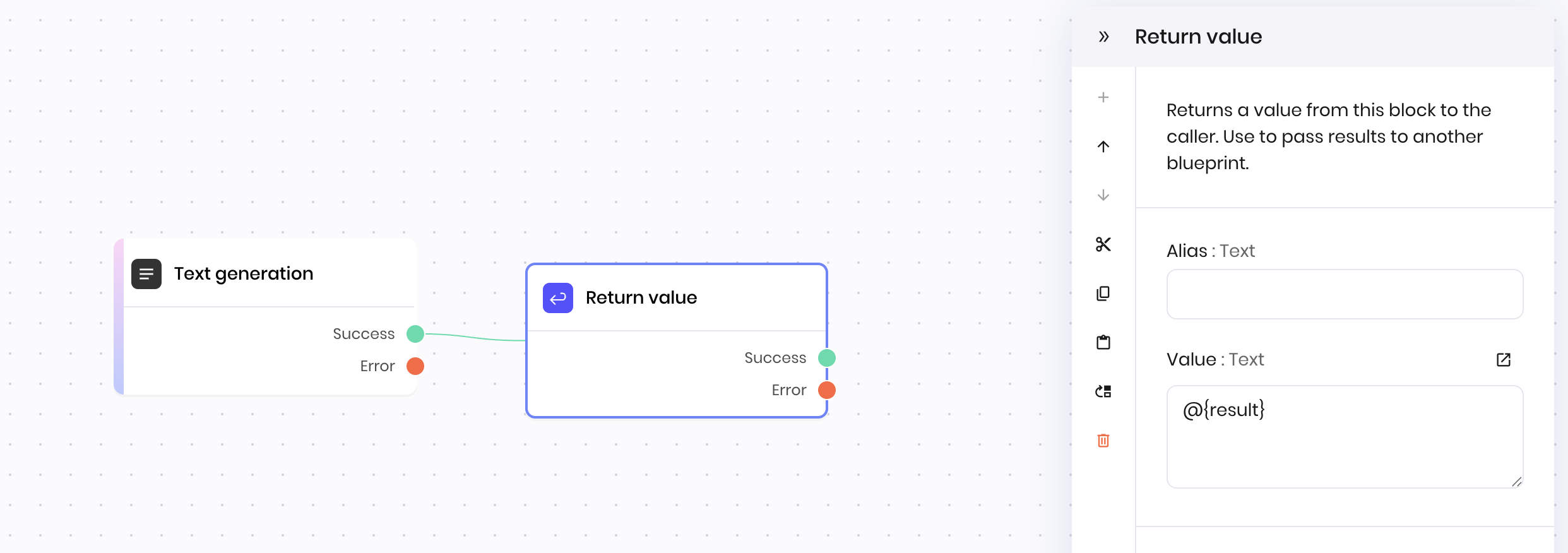 In the example above, the **Return value** block follows the **Text generation** block. It sets the results from the text generation block as the final return value of the blueprint. The blueprint passes this value when it is invoked with the **Run blueprint** block.
Without the **Return value** block, the blueprint would run and the **Text generation** block would execute, but its result would not be returned to the block that ran the blueprint.
## Fields
In the example above, the **Return value** block follows the **Text generation** block. It sets the results from the text generation block as the final return value of the blueprint. The blueprint passes this value when it is invoked with the **Run blueprint** block.
Without the **Return value** block, the blueprint would run and the **Text generation** block would execute, but its result would not be returned to the block that ran the blueprint.
## Fields
| Name | Type | Control | Default | Description | Options | Validation |
|---|---|---|---|---|---|---|
| Value | Text | Textarea | - | - | - | - |
| Name | Field | Type | Description |
|---|---|---|---|
| Success | - | success | The value was returned successfully. |
| Error | - | error | There was an error returning the value. |