 ## Overview
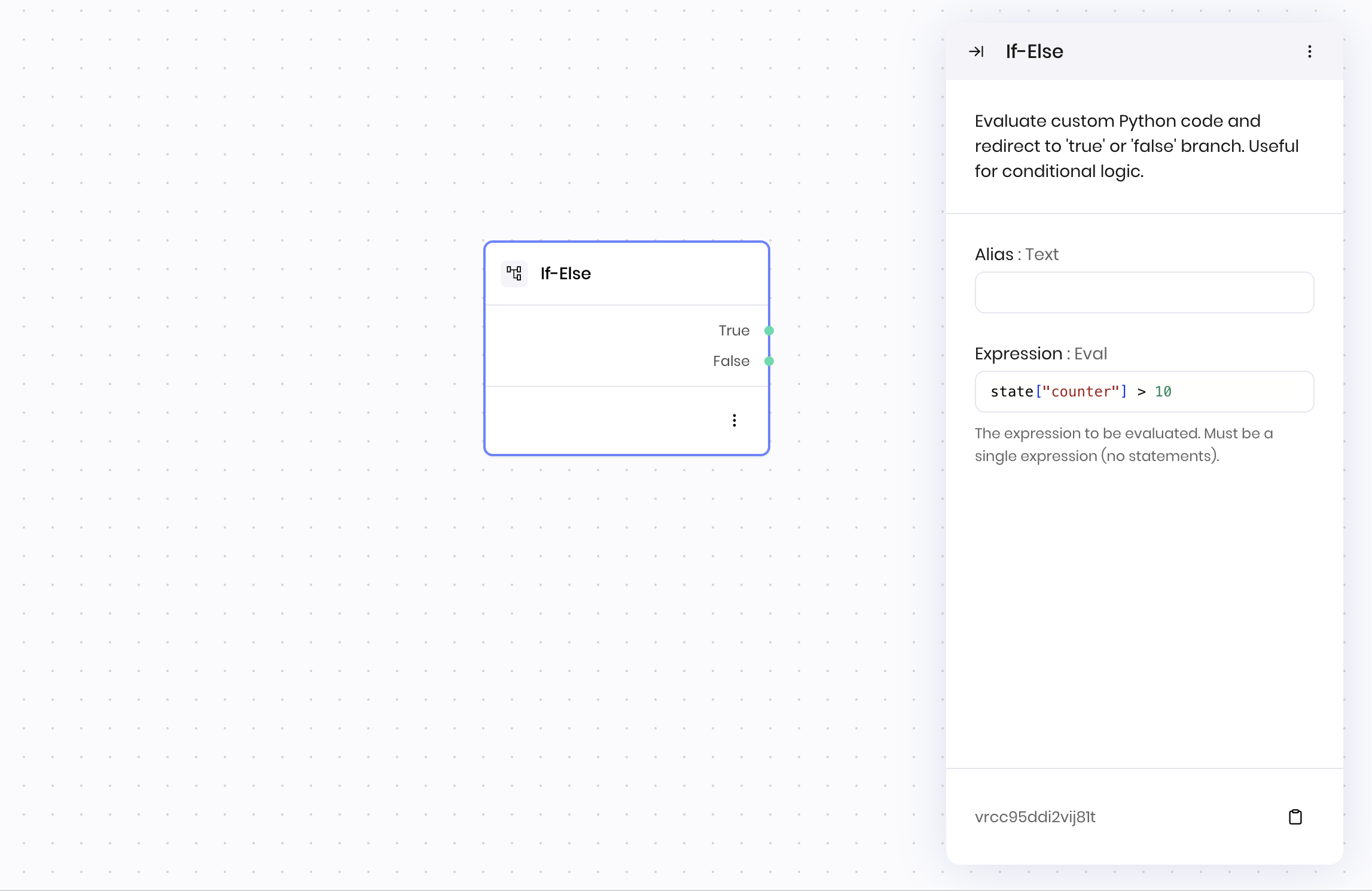
The **If-Else** block evaluates a Python expression and routes workflow execution to either a **True** or **False** branch based on the result. Use it to create conditional logic in your blueprints, enabling different actions based on data conditions.
The expression must be a single Python expression that evaluates to a Boolean value. You can use variables, comparison operators, logical operators, and built-in Python functions in your expression.
## Common use cases
* Validating user input before processing
* Checking if data meets specific criteria
* Routing workflows based on configuration settings
* Implementing business rules and decision logic
* Verifying API responses or data availability
## How it works
1. **Expression**: Enter a Python expression that evaluates to `True` or `False`. The expression must be a single expression, not multiple statements.
2. **Evaluation**: The block evaluates the expression using the Python interpreter.
3. **Routing**: Based on the result:
* If the expression evaluates to `True`, the workflow continues to the **True** branch
* If the expression evaluates to `False`, the workflow continues to the **False** branch
* If an error occurs during evaluation, the workflow continues to the **Error** branch
The block has access to [state variables](/agent-builder/state), [execution environment variables](/agent-builder/execution-environment), and standard Python operations.
### Expression examples
## Overview
The **If-Else** block evaluates a Python expression and routes workflow execution to either a **True** or **False** branch based on the result. Use it to create conditional logic in your blueprints, enabling different actions based on data conditions.
The expression must be a single Python expression that evaluates to a Boolean value. You can use variables, comparison operators, logical operators, and built-in Python functions in your expression.
## Common use cases
* Validating user input before processing
* Checking if data meets specific criteria
* Routing workflows based on configuration settings
* Implementing business rules and decision logic
* Verifying API responses or data availability
## How it works
1. **Expression**: Enter a Python expression that evaluates to `True` or `False`. The expression must be a single expression, not multiple statements.
2. **Evaluation**: The block evaluates the expression using the Python interpreter.
3. **Routing**: Based on the result:
* If the expression evaluates to `True`, the workflow continues to the **True** branch
* If the expression evaluates to `False`, the workflow continues to the **False** branch
* If an error occurs during evaluation, the workflow continues to the **Error** branch
The block has access to [state variables](/agent-builder/state), [execution environment variables](/agent-builder/execution-environment), and standard Python operations.
### Expression examples
| Name | Type | Control | Default | Description | Options | Validation |
|---|---|---|---|---|---|---|
| Expression | Eval | - | - | The expression to be evaluated. Must be a single expression (no statements). | - | - |
| Name | Field | Type | Description |
|---|---|---|---|
| True | - | success | The event handler execution for True. |
| False | - | success | The event handler execution for False. |
| Error | - | error | The expression evaluation failed. |