 ## Overview
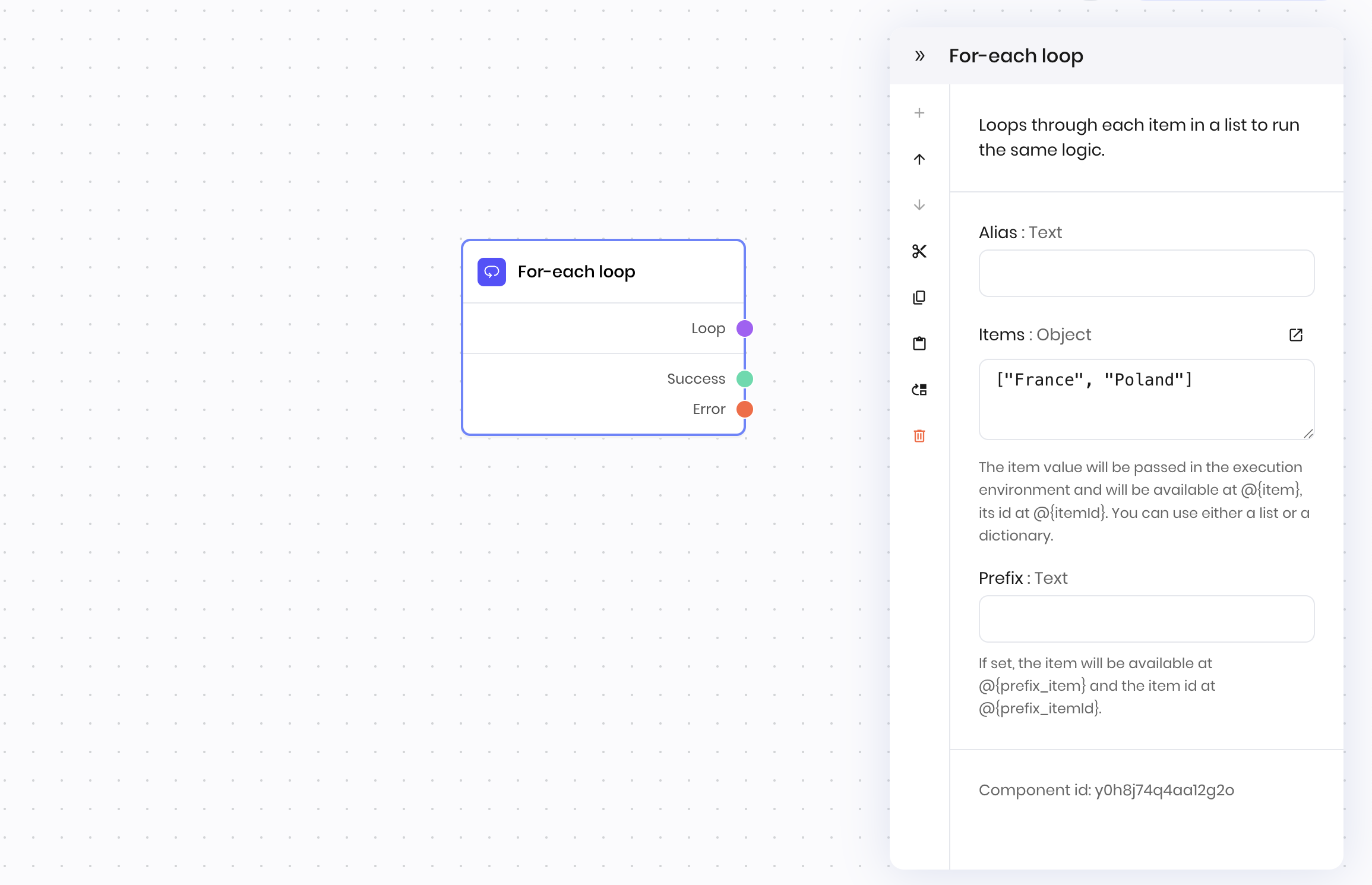
The **For-each loop** block iterates over a list or dictionary and executes a workflow for each item.
The following variables are available in the workflow when iterating with the **For-each loop** block:
* For a list of items (for example, `["a", "b", "c"]`):
* `@{item}`: The current item in the list (for example, `"a"`, `"b"`, or `"c"`)
* `@{itemId}`: The current item's index in the list, starting at 0 (for example, `0`, `1`, or `2`)
* For a dictionary of items (for example, `{"a": "apple", "b": "banana", "c": "cherry"}`):
* `@{item}`: The current item's value in the dictionary (for example, `"apple"`, `"banana"`, or `"cherry"`)
* `@{itemId}`: The current item's key in the dictionary (for example, "a", "b", or "c")
## Example
The following example shows a **For-each loop** block that loops over a list of file IDs and makes an HTTP request to the Writer API delete each file in the list by ID. It then sets a state variable to display a success message when it's done.
## Overview
The **For-each loop** block iterates over a list or dictionary and executes a workflow for each item.
The following variables are available in the workflow when iterating with the **For-each loop** block:
* For a list of items (for example, `["a", "b", "c"]`):
* `@{item}`: The current item in the list (for example, `"a"`, `"b"`, or `"c"`)
* `@{itemId}`: The current item's index in the list, starting at 0 (for example, `0`, `1`, or `2`)
* For a dictionary of items (for example, `{"a": "apple", "b": "banana", "c": "cherry"}`):
* `@{item}`: The current item's value in the dictionary (for example, `"apple"`, `"banana"`, or `"cherry"`)
* `@{itemId}`: The current item's key in the dictionary (for example, "a", "b", or "c")
## Example
The following example shows a **For-each loop** block that loops over a list of file IDs and makes an HTTP request to the Writer API delete each file in the list by ID. It then sets a state variable to display a success message when it's done.
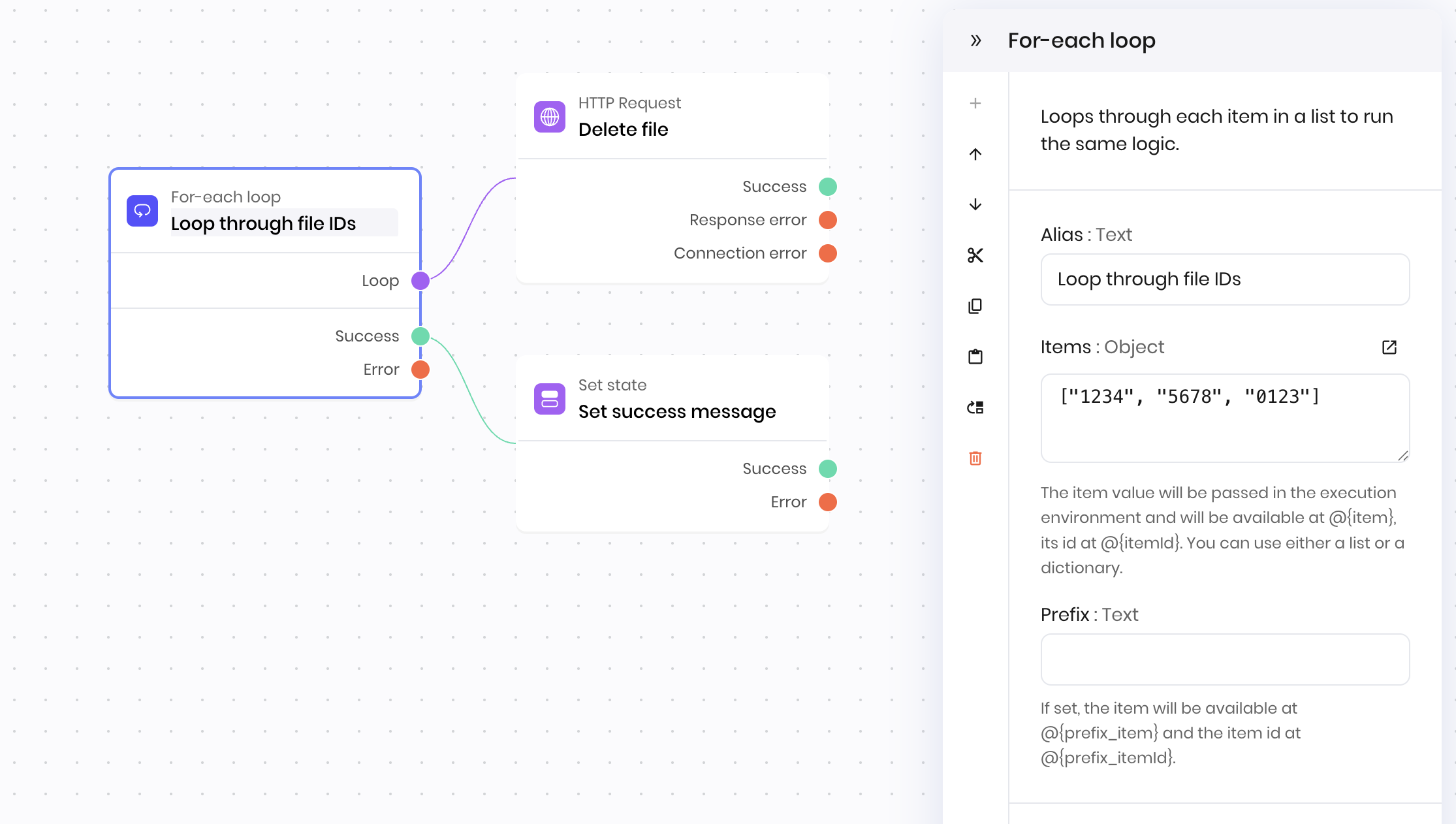
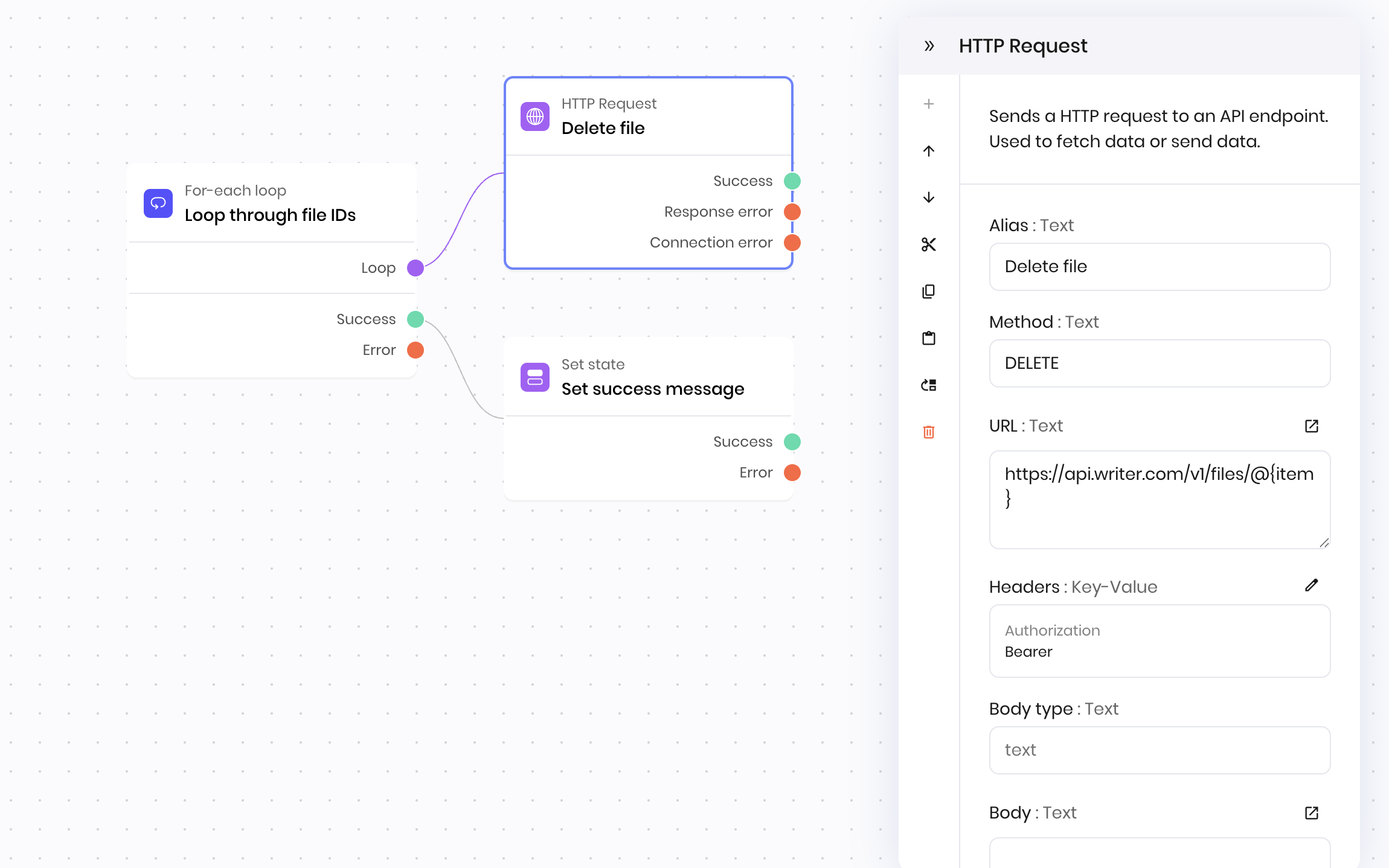 When the **For-each loop** block is done, it moves to the next block connected to the **Success** connection point. In this example, the next block is a **Set state** block that sets a state variable to display a success message when it's done.
## Fields
When the **For-each loop** block is done, it moves to the next block connected to the **Success** connection point. In this example, the next block is a **Set state** block that sets a state variable to display a success message when it's done.
## Fields
| Name | Type | Control | Default | Description | Options | Validation |
|---|---|---|---|---|---|---|
| Items | Object | Textarea |
\[]
|
The item value will be passed in the execution environment. It will be available at @{item_0}, and its ID at @{itemId_0}. You can use either a list or a dictionary. | - | - |
| Prefix | Text | - | - | If set, the item will be available at @{prefix_item_0} and the item id at @{prefix_itemId_0}. | - | - |
| Name | Field | Type | Description |
|---|---|---|---|
| Loop | - | dynamic | Connect the branch that you'd like to loop on. The branch plugged in here will be executed once per item. |
| Success | - | success | The branch referenced executed successfully for each item. |
| Error | - | error | The branch referenced has failed for at least one of the items. |